Interior Designs
Guide
Who Can Change the Design
Players must have furnishing placement authorization to renovate the interior of a private estate. In the case of free company estates, the player must also have hall remodeling authorization.
How to Change the Design
From your estate's yard, go to Social > Housing > Interior Design, and select a design. All placed furnishings will be moved to storage.
What is Changed
The interior design affects the appearance of the pillars, stairs, and mouldings. Fixtures such as windows, ceiling lights, and flooring will not change.
Cost
Changing the interior design is free.
Interior Design Gallery
Riviera Style
This Lominsan cottage/house/mansion design is well equipped to weather the briny sea gales of coastal climes.
— In-game description
-
 Cottage
 -
 House
House -
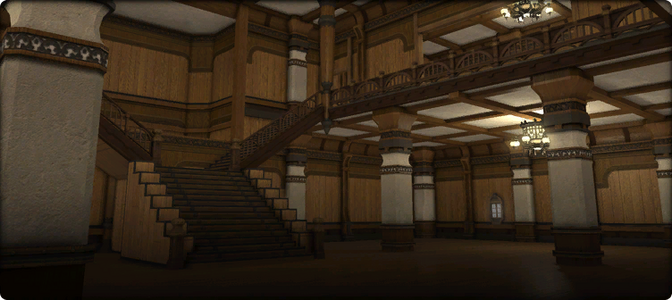 Mansion


Glade Style
This quaint Gridanian cottage/house/mansion design has been expertly crafted utilizing resources procured from the Twelveswood.
— In-game description
-
 Cottage
 -
 House
House -
 Mansion


Oasis Style
No expense was spared to ensure this Ul'dahn cottage/house/mansion interior remains comfortable in various climes─an essentiality given the extreme variance in Thanalan's day and night temperatures.
— In-game description
-
 Cottage
 -
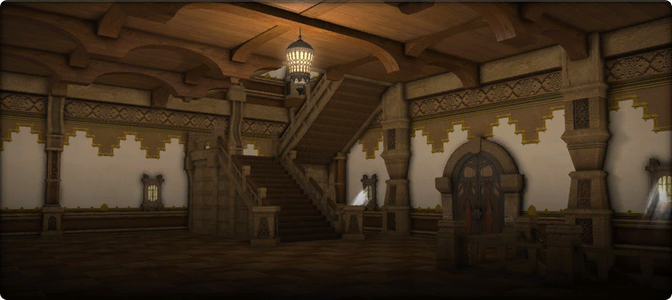 House
House -
 Mansion


Far Eastern Style
Those who would experience the four seasons in both comfort and style will feel at home in this Hingan cottage/house/mansion interior.
— In-game description
-
 Cottage
 -
 House
House -
 Mansion


Highland Style
One shall not want for warmth in this Coerthan cottage/house/mansion interior, designed as it is to withstand the biting cold of even the most frigid northern climes.
— In-game description
-
 Cottage
 -
 House
House -
 Mansion


Minimalist Style
Designed with fewer beams and posts, this modest cottage/house/mansion interior is suited for those with a preference for simpler styles.
— In-game description
Added in patch 7.1.
-
 Cottage
 -
 House
House -
 Mansion


Dark Minimalist Style
Designed with fewer beams and posts, this modest cottage/house/mansion interior is suited for those with a preference for more subdued styles.
— In-game description
Added in patch 7.5.
-
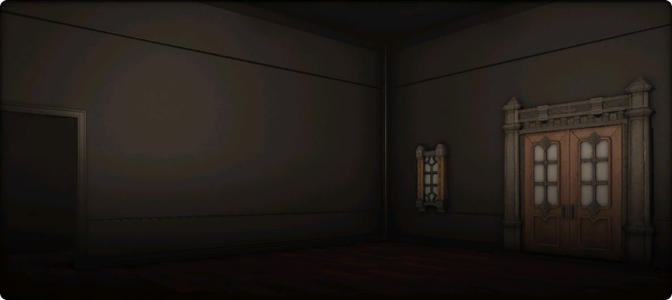 Cottage
 -
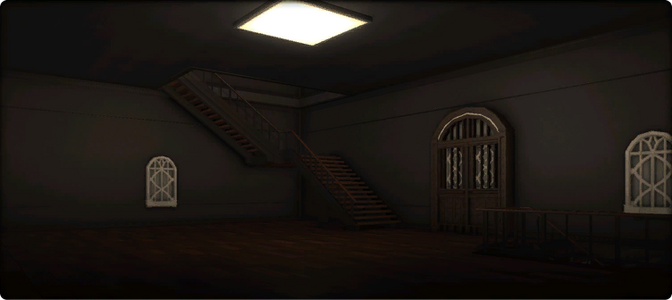 House
House -
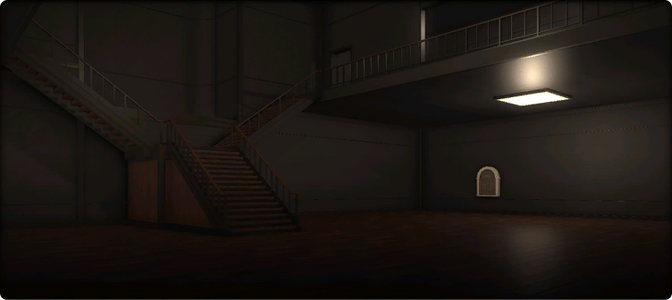 Mansion


History
 Patch 7.5 (2026-04-28): Added the "Dark Minimalist Style".
- Patch 7.1 (2024-11-12): Added the "Minimalist Style", as well as the option to switch interior designs.
Prior to patch 7.1, interior designs were determined by the housing district where the estate was located.
Housing Galleries | |||||
|---|---|---|---|---|---|
| Interior |
| ||||
| Exterior |
| ||||


